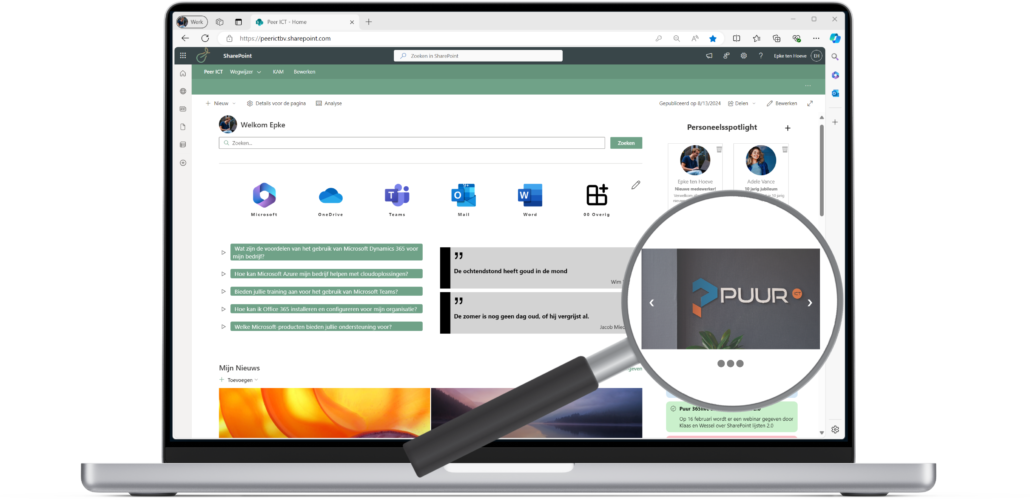
Start Point
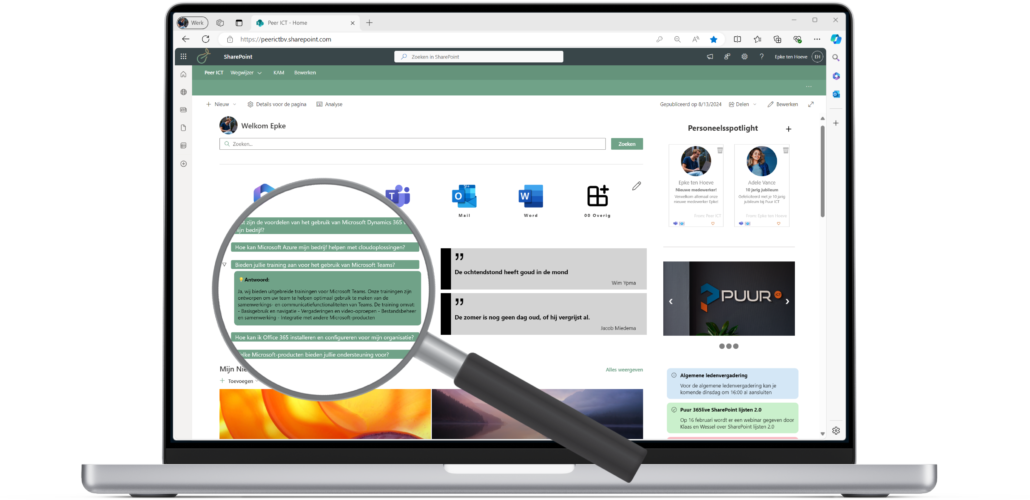
A personalized welcome message and a simple search engine within SharePoint
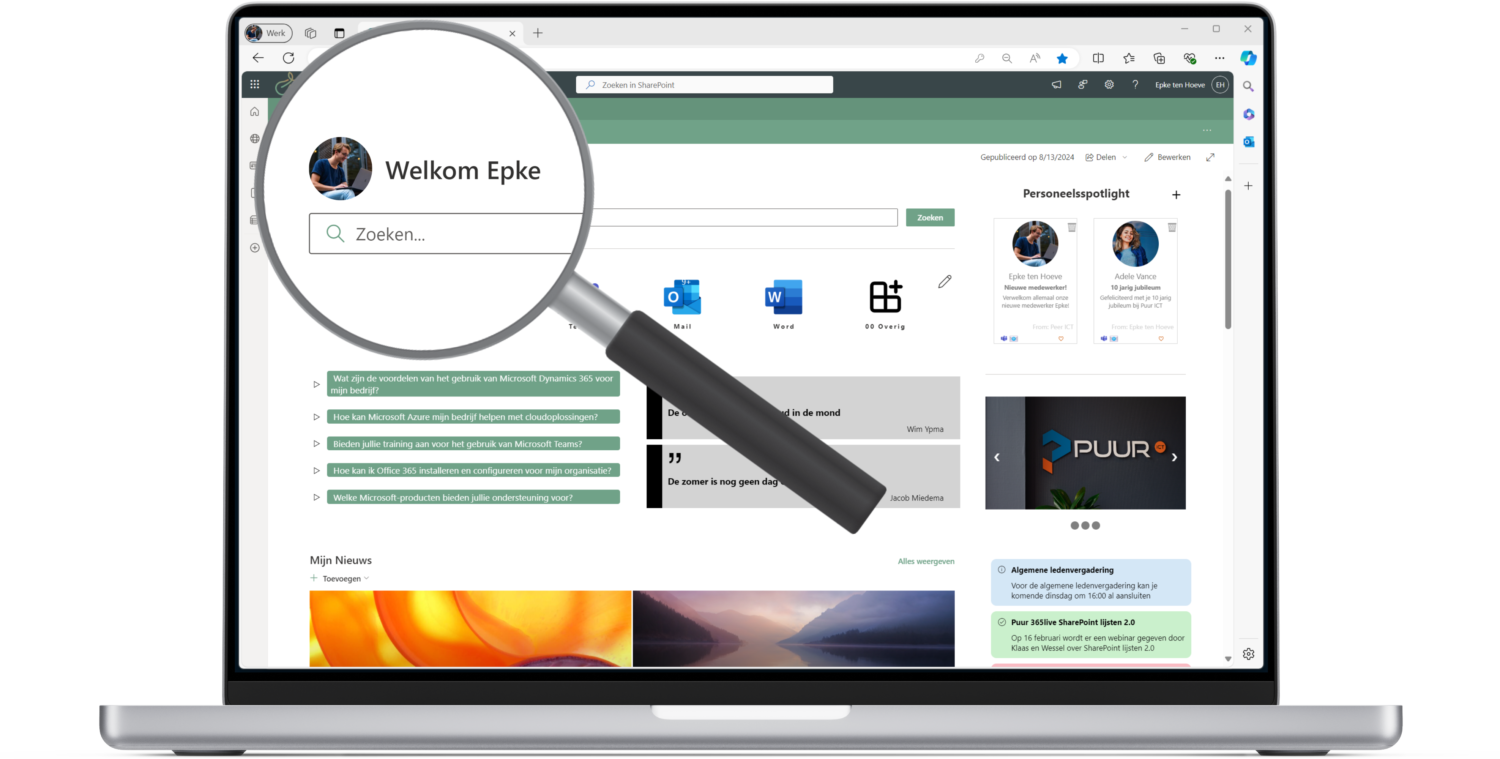

A personalized welcome message and a simple search engine within SharePoint
With the combined WebPart on your intranet page, employees can receive a personalized welcome message, instantly enhancing their sense of engagement and creating a warm, personalized experience. The message can be easily tailored to suit your preferences, ensuring it aligns perfectly with user needs.
This WebPart also offers integration with external search tools like Google and Bing. Employees can search for information directly from their intranet homepage, both externally and within SharePoint itself.
Users have the freedom to choose where to search, based on the options configured by the admin. This flexibility makes finding information simple and efficient, whether it’s within internal systems or external resources.
One useful integration is an internal system like a “Who’s Who” directory. This feature allows employees quick access to contact information and colleague profiles, fostering teamwork and making the intranet even more user-friendly.

This module is built using the SharePoint Framework (SPFx), which provides a robust client-side web part and page model for SharePoint development. It seamlessly integrates with SharePoint data and extends its functionality to Microsoft Teams and Microsoft Viva. This allows the WebPart to deliver a highly personalized experience, such as displaying the user’s name.
Administrators can configure the available search sources, defining the options users can select for searching. All that’s required is to set up the WebPart’s connection to the search functionality and customize the greeting displayed before the user’s name, such as “Welcome!” or “Good day!”.
Mijn persoonlijke apps
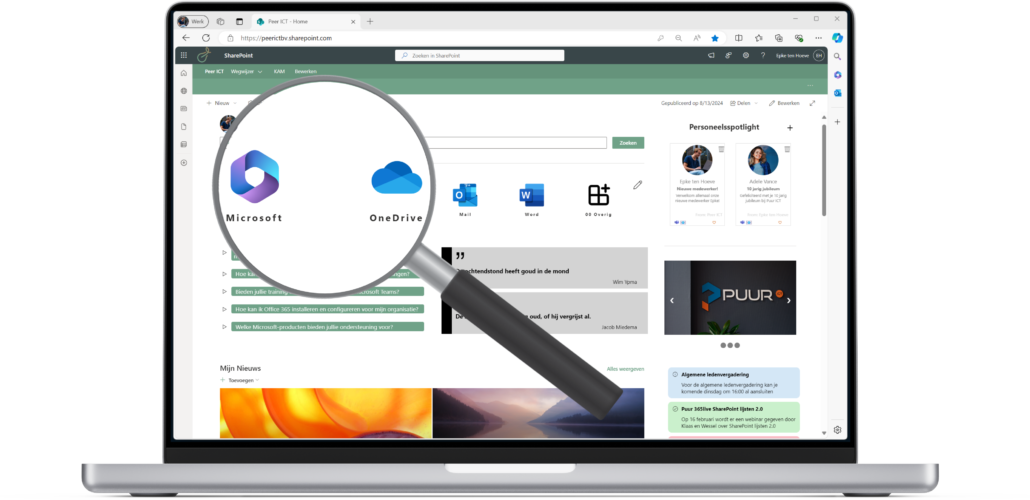
Maak snelkoppelingen van jouw meest gebruikte items.
De ICT specialist uit het Noorden; het kantoor van Puur ICT in Heerenveen mag dan wel gelegen zijn in Friesland, maar wij zijn actief in het hele land.
Met onze oplossingen om jouw ICT te versimpelen en bedrijfsprocessen te verbeteren ontzorgen wij onze klanten. Onze ICT specialisten nemen jou graag mee op reis naar de Microsoft 365 cloud om de ICT functionaliteit vanuit Microsoft 365 volledig te benutten




Tel: +31 (0) 88 165 2300
Email: info@puurict.nl
Hoofdkantoor Heerenveen
Abe Lenstra Boulevard 62
8448 JB HEERENVEEN
Vestiging Amsterdam
Hullenbergweg 413
1101 CS AMSTERDAM